

Open the link
Click the link, or point your phone’s camera at the QR code. The page joins the sender’s room by itself and starts negotiating the connection.If Floe says “Open in your browser”
Apps like Facebook, Messenger, Instagram, TikTok, Snapchat, LINE, X, and WeChat open links in their own built-in browser rather than in Chrome or Safari. Those built-in browsers handle file transfers poorly, so Floe recognizes them and shows this instead of the transfer view. Those eight are recognized by name. Any other Android app that opens links in a plain web view is caught by a general check and gets the same screen, worded “This in-app browser”, so an app that is not on the list can still land you here.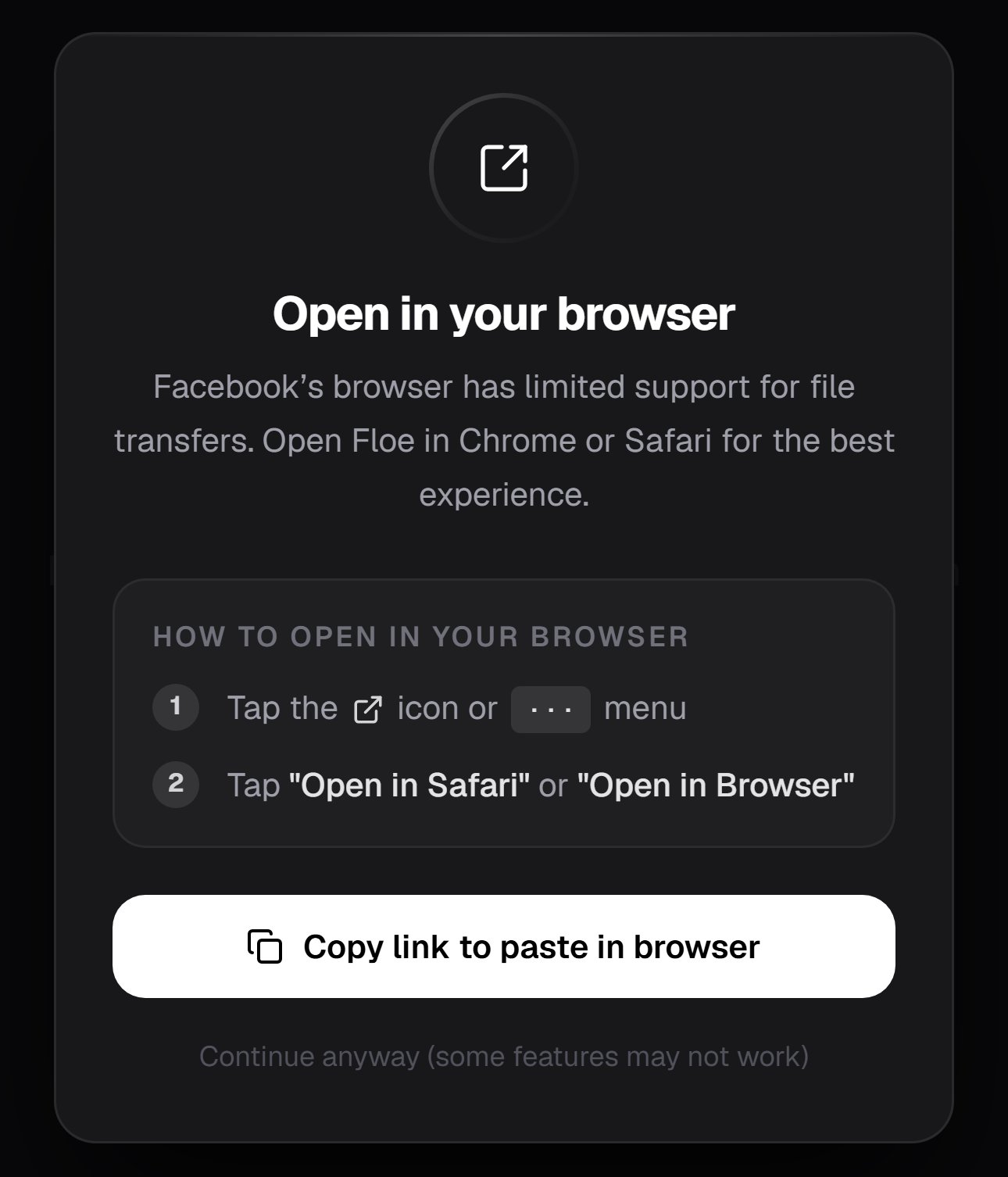
What Floe shows when a link is opened inside another app's browser
While you wait
The card walks through three steps as it gets ready, and offers one choice.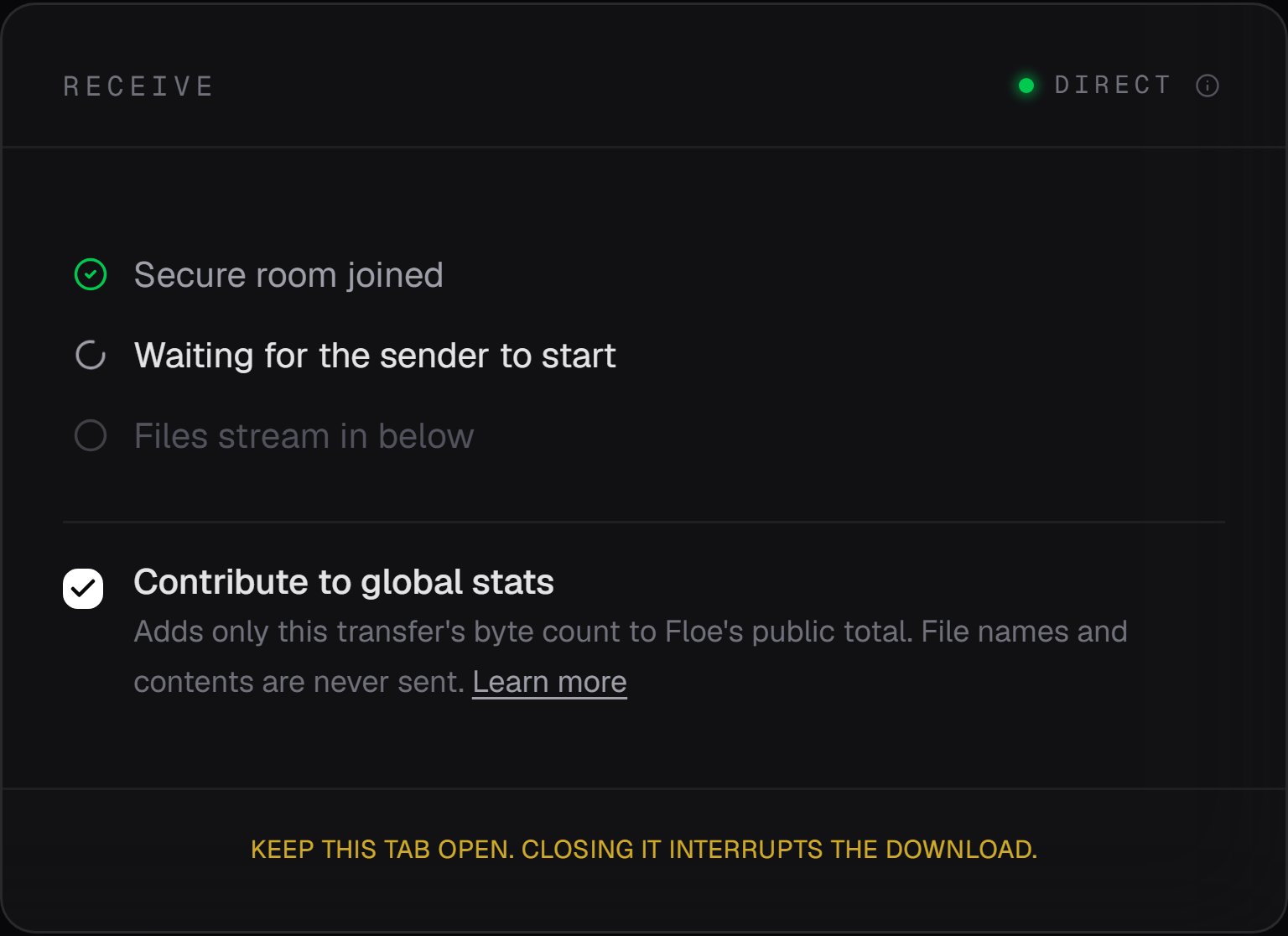
The receiving card before the first file arrives
Contribute to global stats
Floe’s homepage carries a public, all-time count of bytes moved by everyone. When a transfer finishes, the receiving side adds this transfer’s size to that total, and nothing else. No file names, no contents, nothing identifying, and the report never slows or blocks the transfer. It is on by default. The checkbox disappears once the first file lands, so decide while you are waiting. Every receiving surface can turn the report off, and turning it off means the byte count is never sent, rather than sent and ignored.- Browser: uncheck Contribute to global stats on the receiver view before the first file lands. The choice is saved in that browser and applies to every later transfer from it.
- Floe Desktop: turn off Contribute to global stats in Settings. It is saved with your other settings.
- CLI: pass
--no-reporttofloe receivefor one transfer, or setFLOE_NO_STATS=1in your environment to opt out for good.
Saving what arrives
Every file gets its own download button the moment it lands, so you can start saving while the rest are still coming.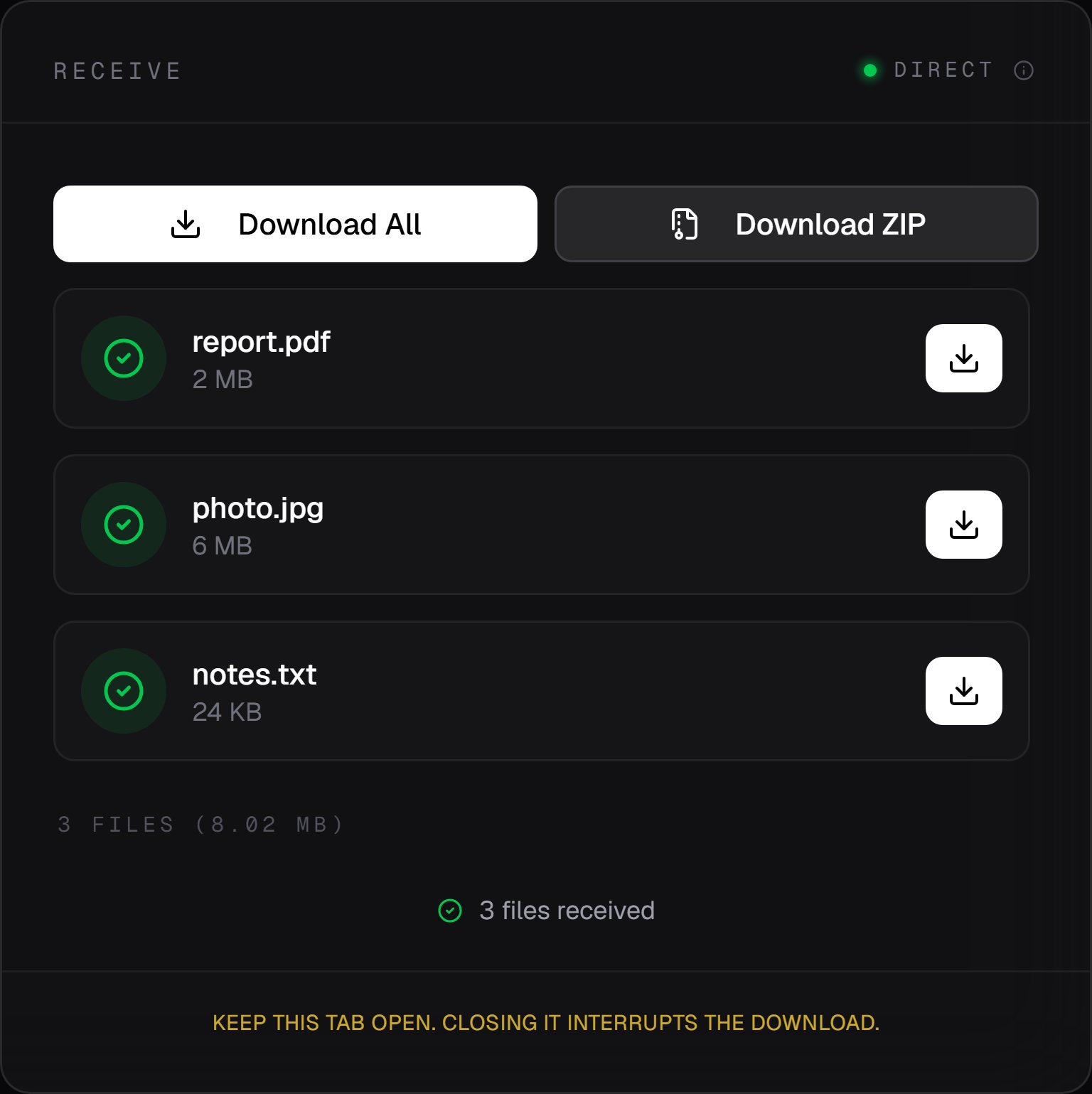
A finished transfer, with per-file buttons and the two bulk options
The two differ in more than convenience. A ZIP keeps any folder structure the sender used and
numbers duplicate names inside the archive. Saving files one at a time flattens the structure and
leaves duplicate names to your browser.
A single-file transfer shows only that file’s own button, and no bulk options.
On iOS, use Download ZIP when there is more than one file. Saving them individually behaves
inconsistently in Safari and in iOS web views. The exception is a very large transfer: zipping
holds every file in memory at once, so if that fails, save them from their own rows instead.
The sender has to stay connected
Files stream from the sender’s device, so if they close their tab, quit Floe Desktop, or stop the CLI before the transfer finishes, the connection drops and you need a new session. If your network blips before the first file arrives, Floe recovers on its own: it rejoins the room and the sender builds a fresh connection. Once files have started landing, signaling is finished and Floe stops rejoining, so a drop after that point ends the session and you need a new link for whatever did not arrive. What you see when the sender drops depends on whether anything had arrived yet. Before the first file, the status reads Peer disconnected. Waiting for reconnection, and it does not resume by itself. After at least one file has landed, the status names what actually arrived: a partial multi-file transfer reads Sender disconnected. 1 of 3 files received, and only a batch where every announced file landed reads Transfer complete. Either way, files that already finished stay in the list and stay downloadable. A file that arrives incomplete is not offered to you at all. Floe compares what arrived against the size the sender announced and discards anything that does not match, in either direction, rather than handing you a file that looks whole and is not. Two details follow from that. A mismatch stops the rest of the transfer too, so files queued behind the bad one never arrive either. And the check needs a size to compare against: if the sending peer announces none, which only very old releases do, the file is accepted as it stands.Receiving in the terminal or the desktop app instead
Both write straight to disk, rebuild folder structure, and have no memory ceiling, which makes them the better choice for anything multi-gigabyte.Terminal
?s= value and links printed by floe send do not.
floe receive accepts both, and so does the Floe Desktop Receive tab. If the sender gave you
a three-word code instead, pass that:
Terminal
If the link does not work
“Link Invalid” means the link is malformed or already in use, which are its only two causes. A room takes exactly one recipient, so a link that someone else is already receiving on will not work for you. Ask for a new one. A short code that will not resolve came fromfloe send or Floe Desktop and lasts ten
minutes. Links from the web app carry no code and stay valid as long as the sender’s tab is open.
Stuck connecting is usually a network that blocks direct paths. The error
Could not connect. Ask the sender to enable "Network Relay" and try again. covers every failure
Floe treats as expected, so the relay is not always the culprit: the sender may have turned their
Network relay fallback checkbox off, run floe send --no-relay, or simply closed their tab.
See Troubleshooting for more.